 EN
EN
 PT
PT
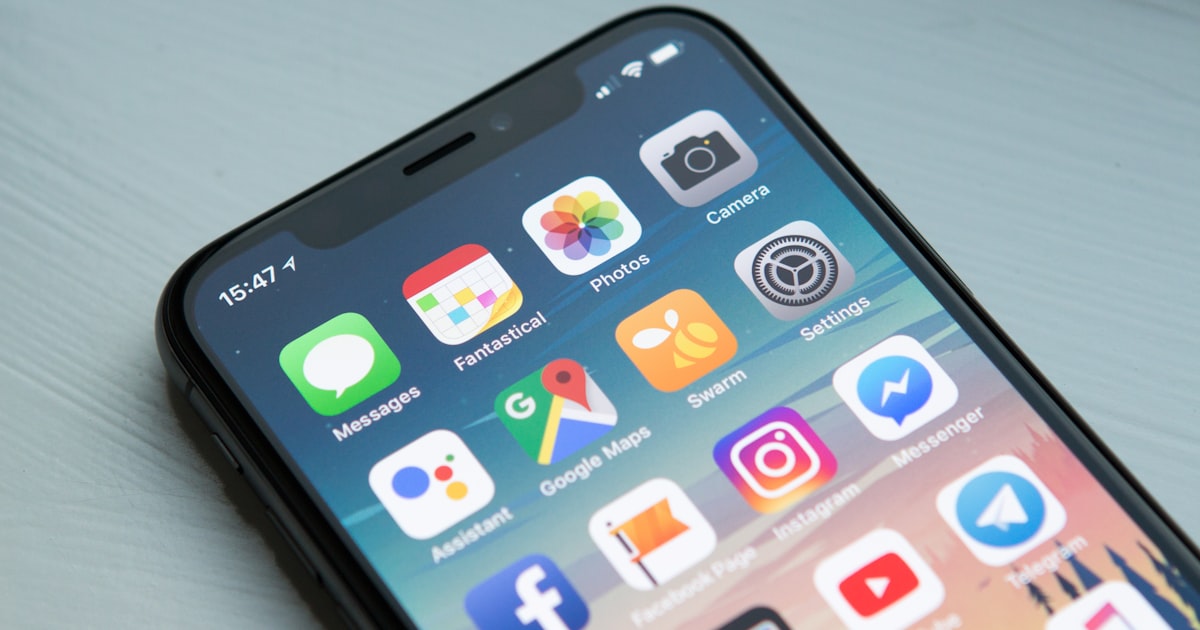
Mobile-first design is an approach where you design for the smallest screen first, then progressively enhance the experience for larger screens. But in 2025, mobile-first has evolved beyond just making things fit on a small screen — it is about understanding the fundamentally different context in which mobile users operate.
Why Context Is Everything
A desktop user sits at a desk, has two hands free, a stable internet connection, and is likely in task-completion mode. A mobile user might be standing on a train, holding the phone in one hand, on a patchy 4G connection, and only have 30 seconds of attention. Design for the mobile context, not just the mobile screen.
The 7 Principles
1. Thumb Zones Are Law
The natural range of one-thumb operation on a phone creates zones of easy, difficult, and nearly impossible reach. Your primary actions — add to cart, submit, call — must sit in the comfortable green zone at the bottom-centre of the screen. Navigation that requires stretching to the top-left corner loses users.
2. Load Time Is a Feature
53% of mobile users abandon a site that takes more than 3 seconds to load (Google, 2024). Optimise images aggressively (use WebP or AVIF, serve responsive sizes via srcset), eliminate render-blocking scripts, and aim for a Largest Contentful Paint (LCP) under 2.5 seconds. Run your app through Google PageSpeed Insights weekly.
3. Touch Targets Must Be Generous
Apple's HIG recommends a minimum tap target of 44×44 points. Google's Material Design recommends 48×48 dp. Anything smaller creates frustration and errors — especially for users with larger fingers or accessibility needs.
4. Progressive Disclosure Reduces Cognitive Load
Don't show everything at once. Surface the most important information first, and reveal detail on demand. Accordions, bottom sheets, and contextual drawers are your friends. Respect the user's attention.
5. Offline Capability Builds Trust
Progressive Web Apps (PWAs) with service workers can cache core content and provide meaningful offline experiences. Even a simple cached "you're offline" page with the user's last-viewed data is better than a browser error screen.
6. Typography Drives Legibility
Use a minimum body font size of 16px. Favour fonts with a generous x-height (Inter, Source Sans, Lato). Ensure sufficient contrast — WCAG AA requires at least 4.5:1 for normal text. Test on real devices, not just browser dev tools.
7. Animation Should Earn Its Place
Micro-animations that confirm actions (button press ripple, checkmark on success) add delight and reduce uncertainty. Animations that exist purely for aesthetics add load and can trigger motion sickness in some users. Always respect prefers-reduced-motion.
Testing on Real Devices
Browser emulation is useful but insufficient. Before any release, test on at least three real devices: a recent flagship (iPhone 15 or Samsung S24), a mid-range Android (Moto G series), and an older device (2019-era). Performance on the mid-range and older devices will reveal the 80% of real-world usage your team's MacBook Pro never shows.
Share this article

Miguel is a full-stack developer with expertise in .NET, Angular, and cloud infrastructure. He leads the custom software team at NT4Solutions and advocates for clean code and DevOps culture.